Practical project
Backup power & connectivity
A practical setup designed to keep essential equipment, heating and internet connectivity available as much as possible during a power outage.
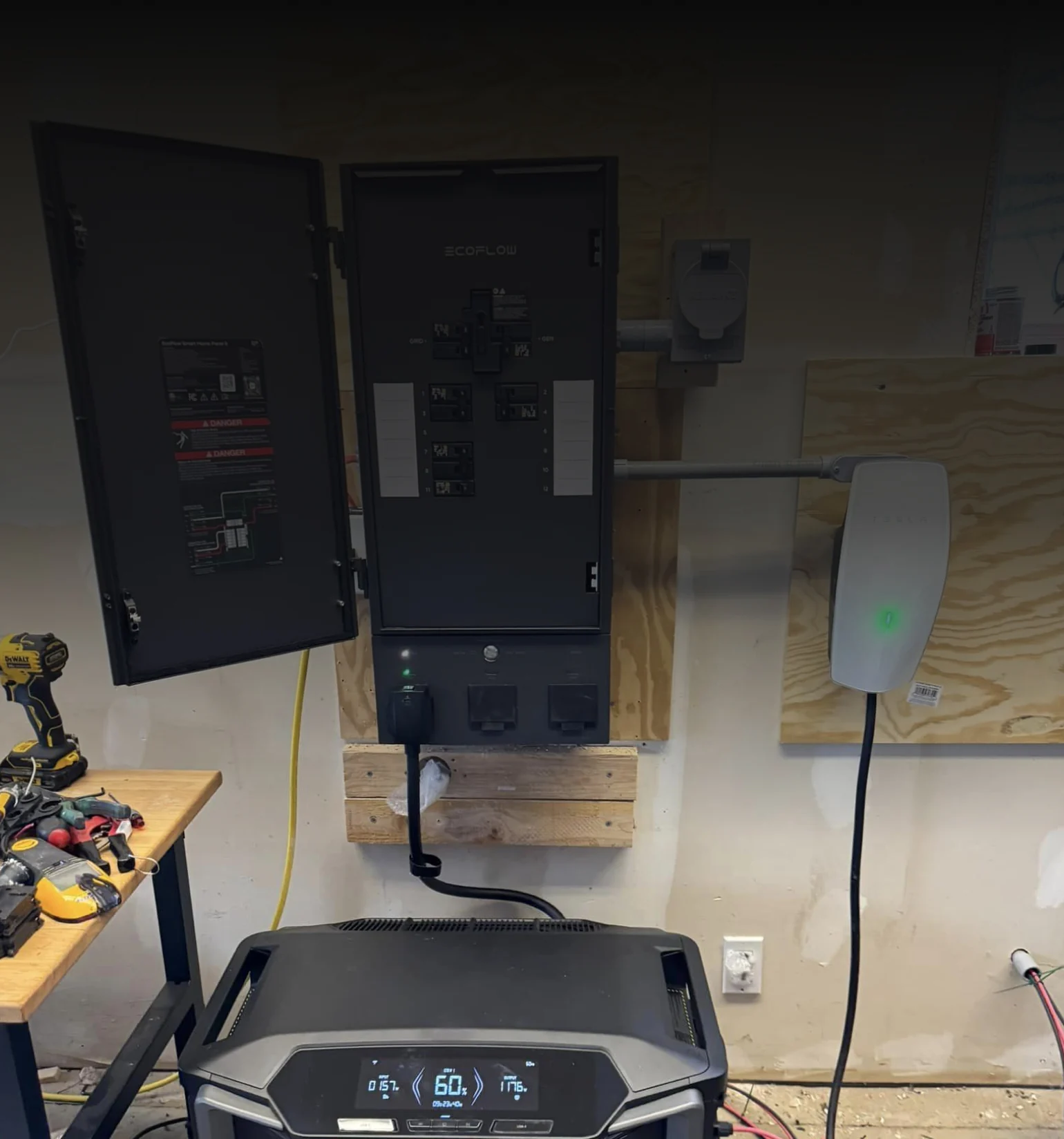
The foundation
Keeping power available without manual switching.
The backup-power system remains connected between mains power and essential equipment. During an outage, connected equipment can therefore continue on battery power automatically.
The project is not only about energy storage, but about continuity: keeping heating, internet and network equipment available for as long as possible.
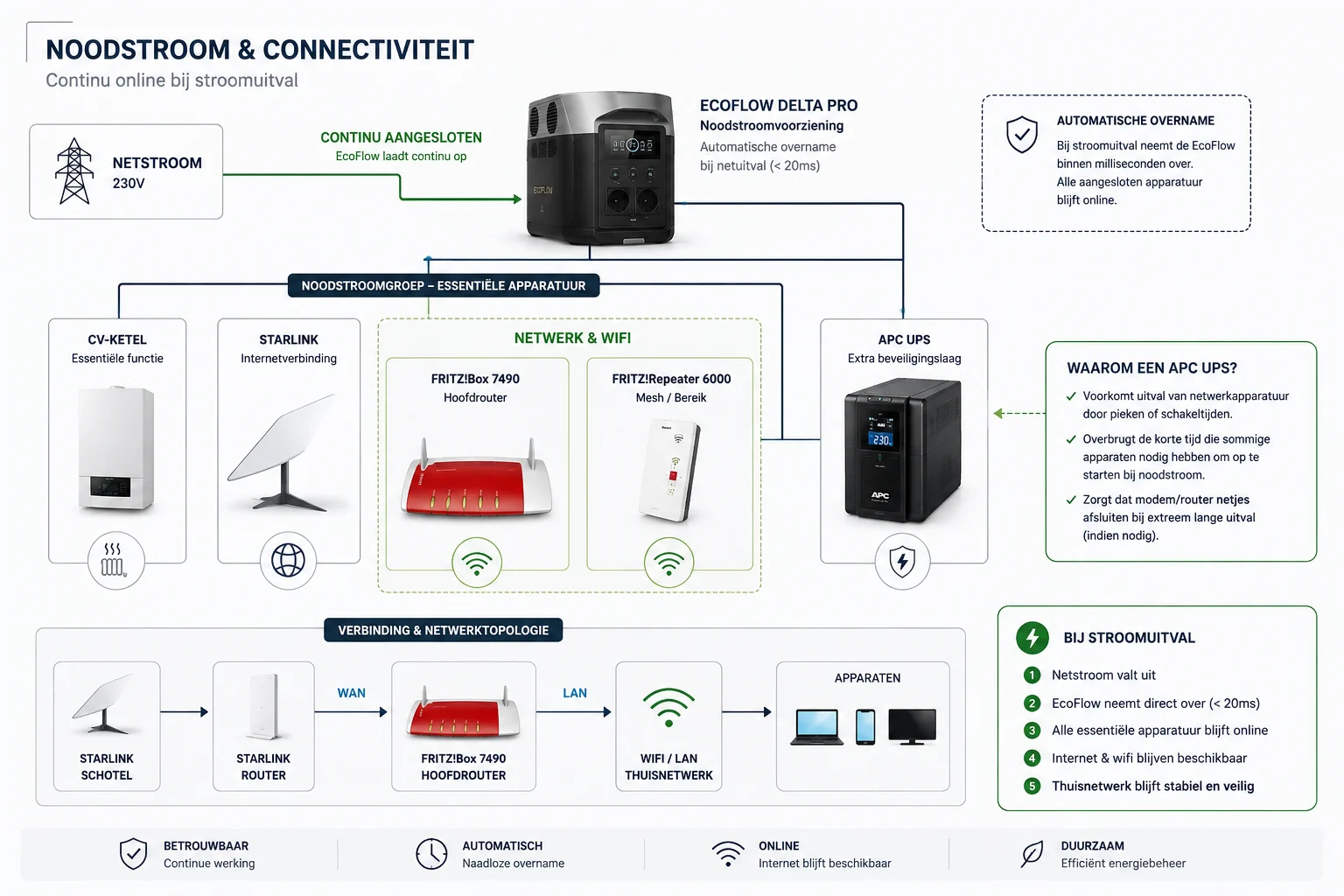
What the setup is designed to keep running
When mains power fails, the transition should be as unobtrusive as possible. Essential equipment remains connected to backup power, while Starlink and the local network are part of the same continuity approach.
Automatic backup power
No need to start reconnecting extension leads after the outage has already begun: critical equipment is connected in advance.
Internet during an outage
Starlink can keep internet available as long as the dish, router and supporting network equipment remain powered.
Additional UPS layer
An extra UPS can protect sensitive network components against short interruptions and unexpected shutdowns.
Real-world test
The setup is used in practice and is improved based on what actually proves reliable.
Network & Wi-Fi
Power alone is not enough.
A working battery is of little use if the internet or network equipment still switches off. That is why the router, Wi-Fi and internet connection are treated as critical components too.
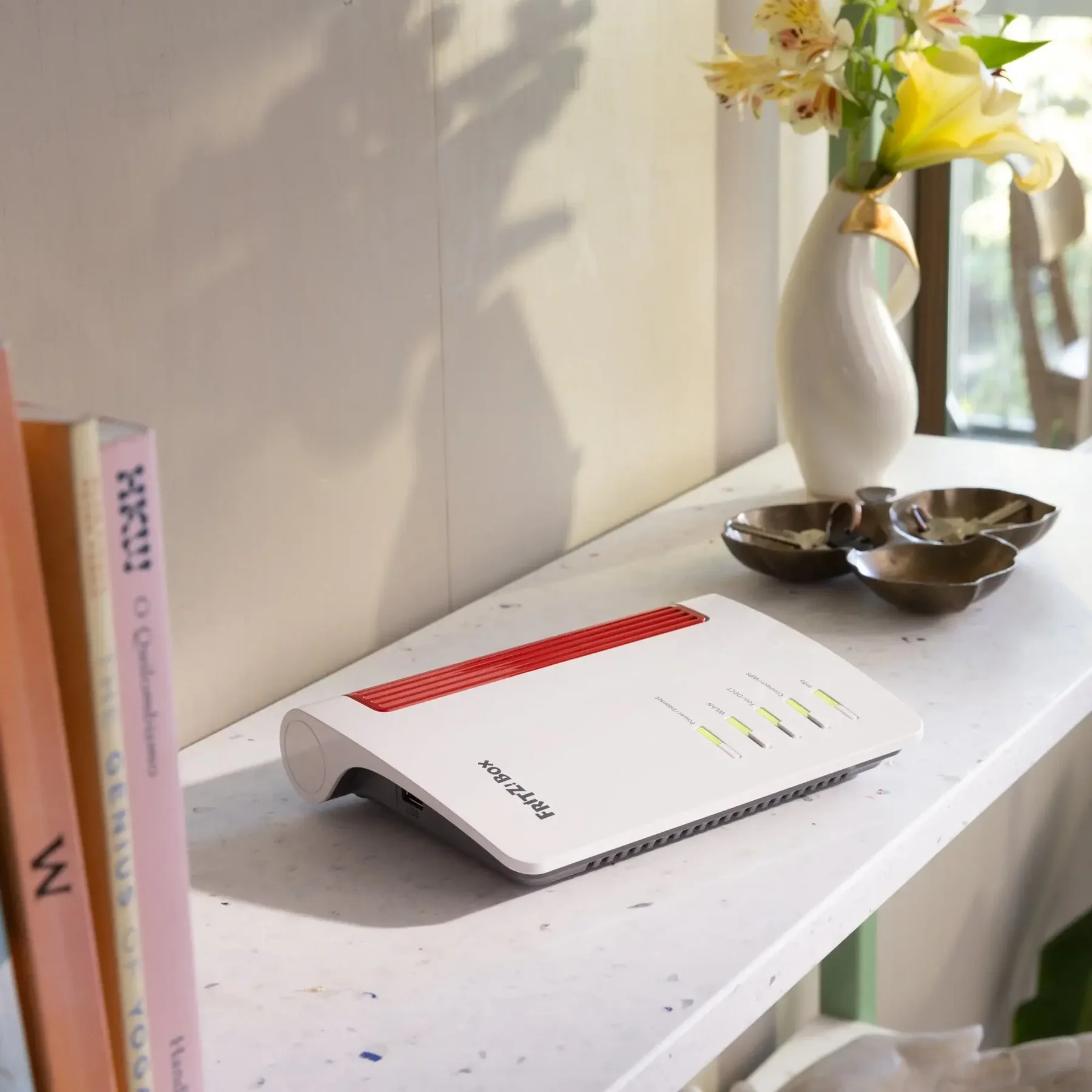
The combination of Starlink and FRITZ!Box can keep an independent internet and home network available during a local outage, as long as the equipment remains powered.
Why Starlink?
An alternative route to the internet.
During a power outage, keeping a router powered is not enough if the fixed broadband line or local infrastructure also fails. Starlink adds a second kind of independence: the external connection reaches the network via satellites instead of relying solely on the fixed cable to the home.
Starlink satellites use optical inter-satellite links. This allows traffic to be relayed through the satellite network towards a working ground station and then onto the wider internet.
FRITZ!Box
dish
satellites
/ internet PoP
international services
What does this mean in practice? If a local or regional outage affects parts of the Dutch fixed infrastructure, services elsewhere on the internet may still be reachable as long as Starlink has a working route and the service itself remains online.
This is not a guarantee that every website or cloud service will remain available. Services can themselves depend on Dutch data centres, DNS, authentication, payment infrastructure or other systems. The project is therefore about additional resilience, not absolute availability.
Upcoming field test
An independent emergency network between multiple sites.
The next step is to investigate whether two or more business sites can remain connected during an outage. The concept combines backup power, Starlink and FRITZ!Box WireGuard into an encrypted site-to-site LAN connection between, for example, headquarters and a branch office.
EcoFlow / UPS
Starlink → FRITZ!Box
WireGuard
VPN
EcoFlow / UPS
Starlink or alternative internet → FRITZ!Box
What will be tested?
- Permanent FRITZ!Box site-to-site WireGuard connection.
- Access to devices and internal IP services across both sites.
- Behaviour when normal mains power is deliberately removed.
- Behaviour when fixed broadband fails and Starlink provides the external route.
- Expansion to three or more sites around a central FRITZ!Box.
Internal communication & telephony
An important part of the test will be voice communication between sites. First we will determine which IP/SIP telephony setup works reliably over the VPN tunnel. We can then test whether staff at separate locations remain reachable during a simulated outage.
The goal is not merely to preserve internet access, but to explore an independent communications network for business continuity.
Illustrative product images: EcoFlow and FRITZ!. The connection diagram was created specifically for this FreelancePlan project. Own photos of the practical installation can replace the product images later.
More projects